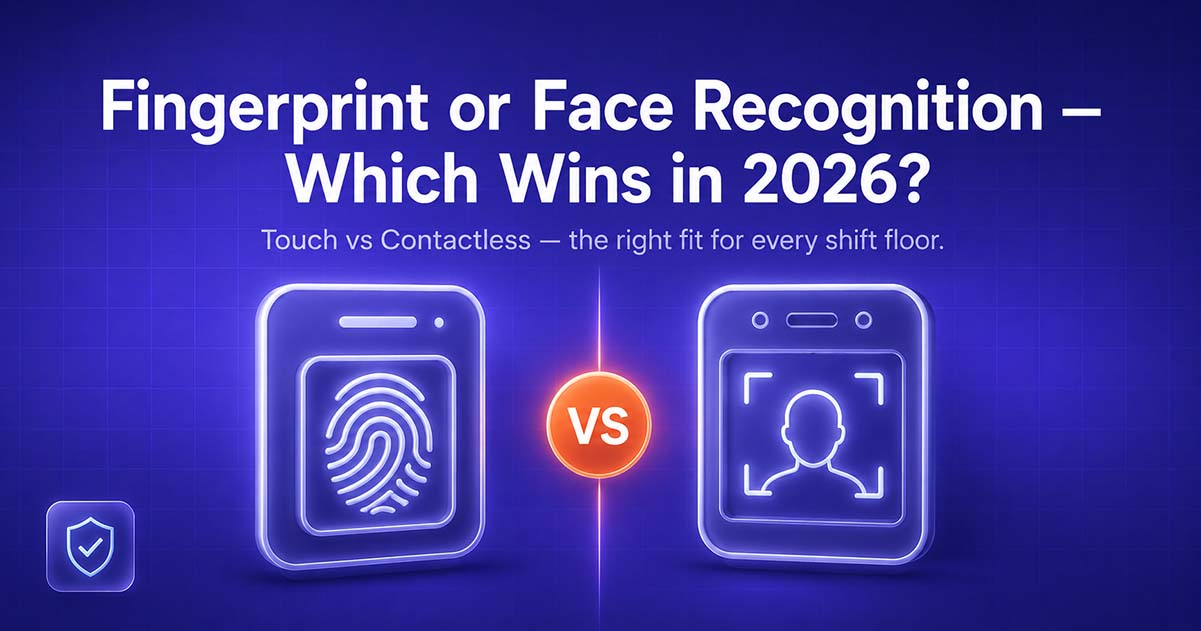
The attendance tracking was as simple as a single fingerprint scanner outside the entrance. When it comes to selecting an HRMS, today the majority of businesses are left with the dilemma of choosing between traditional biometric (fingerprint) devices and camera-based face recognition attendance.
They both solve the same musky core problem, like exact, irrefutable attendance, but they act in hollow daily use. This is a close comparison to decide which you can fill your workplace with.
⚡ Quick Answer
Fingerprint biometric attendance is affordable and works well per device, but requires touch and can be affected by dirty or torn fingerprints. Face recognition attendance is contactless, works faster in crowded places like entry points, and is suitable for multi-shift or factory-floor settings, but needs good lighting and higher initial structure. Face Recognition for hygiene and speed - In 2026, most of the growing businesses are trending towards face recognition as a primary method, but keeping fingerprints as a secondary backup.
How Fingerprint Biometric Attendance Works
Fingerprint attendance systems read a specific fingerprint pattern and compare it to the template stored, verifying or rejecting access every time an employee clocks in or out. They are the default because you have inexpensive hardware and a well-understood technology that has endured for over a decade.
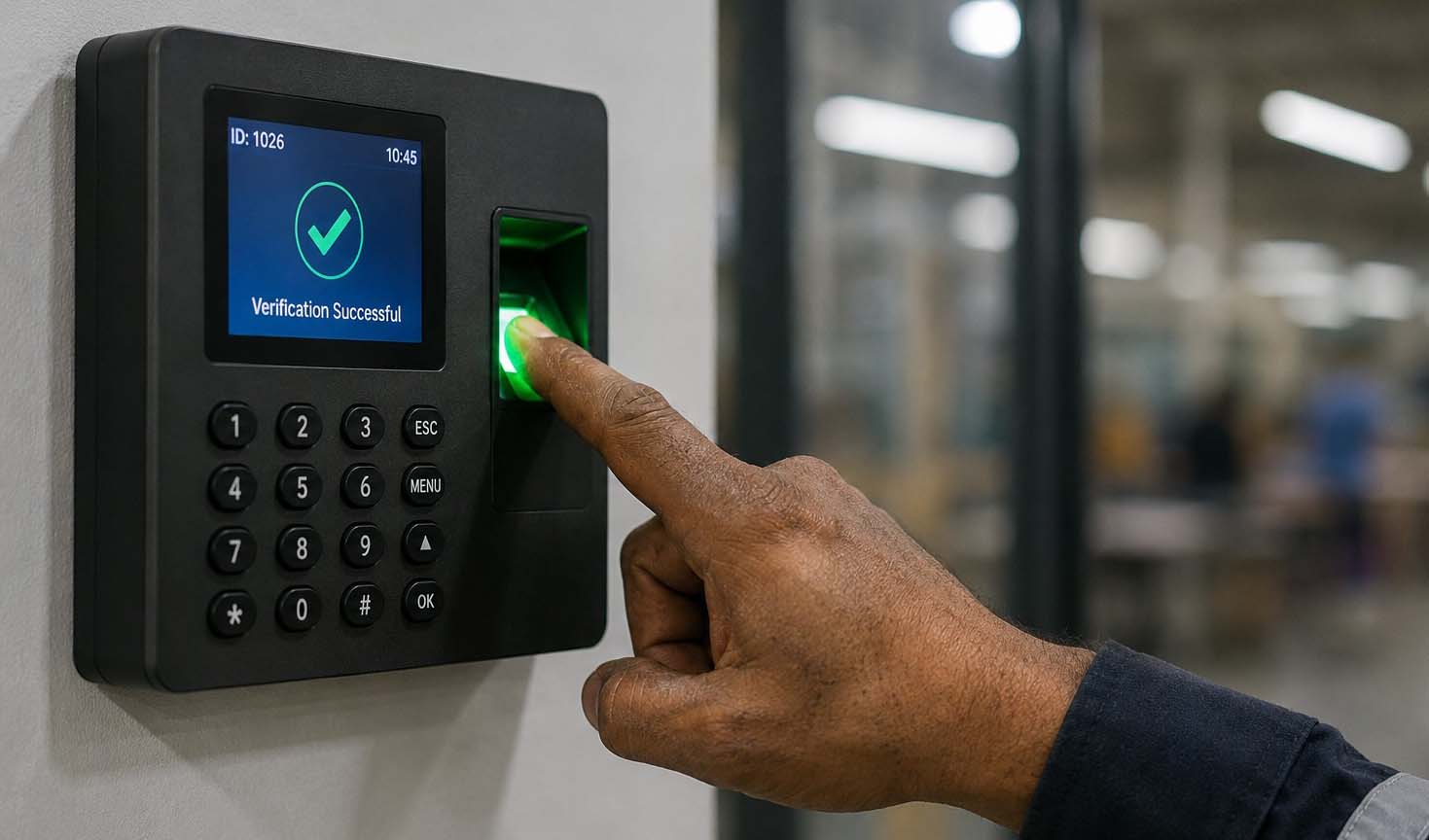
The sacrifice is physical contact: each employee will physically touch the same surface of the scanner multiple times a day, as well as accuracy issues with manual labour, wet or dirty hands, and worn fingerprints over time that are endemic to manufacturing and warehouse workers.
How Face Recognition Attendance Works
This system can be incorporated by using a camera to capture and then compare during the time of attendance to match facial features against those stored in a profile, all without the need for any physical contact. Employees simply walk up to the kiosk or camera, and their attendance is marked in less than a second.
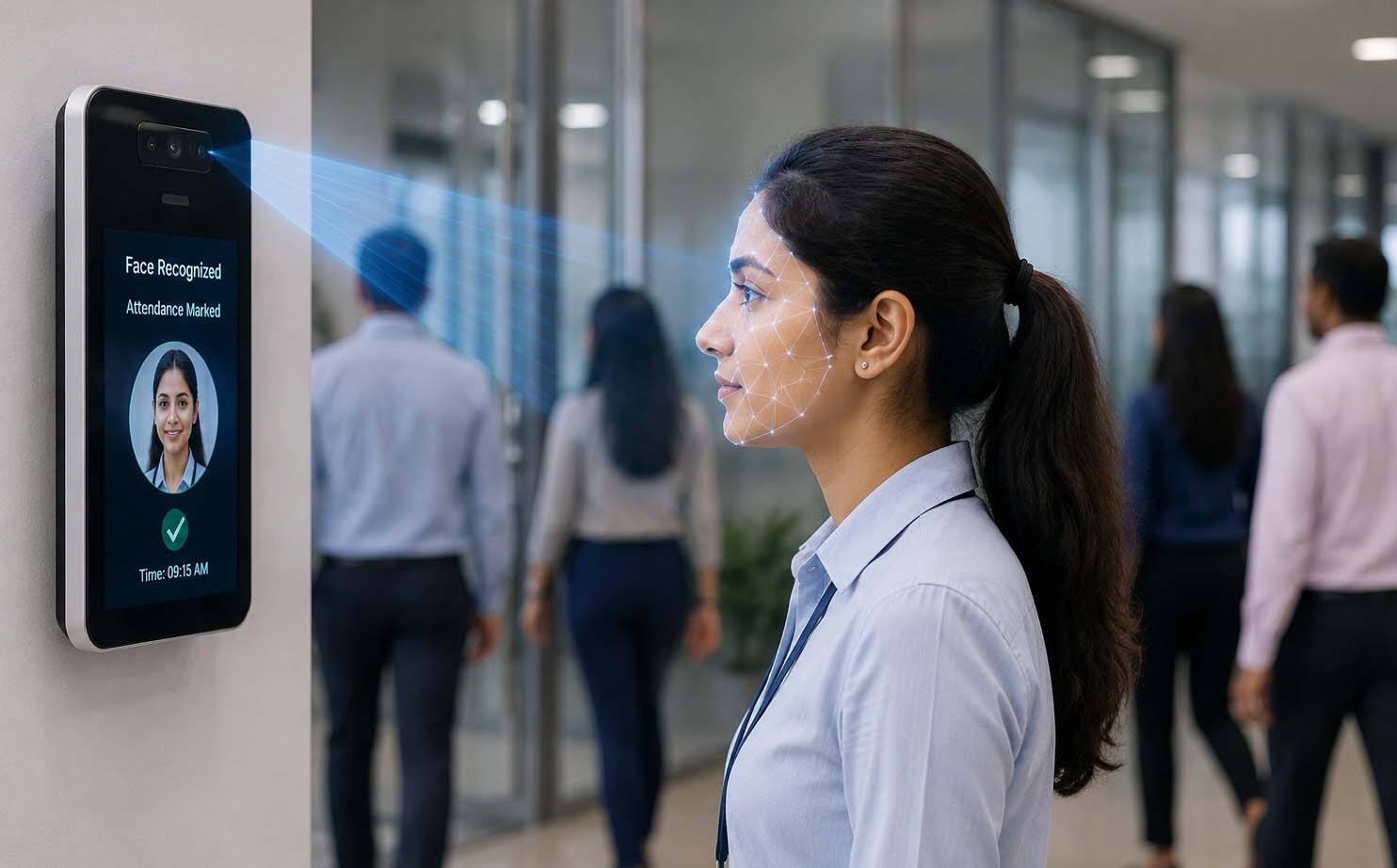
That is especially important in places where many people are moving around, for example, between shifts in a factory or at the entrance of large offices or retail chains with ever-busy staff to scan and subsequently slow down shift starts on a single fingerprint scanner.
Side-by-Side Comparison
- Contact: Fingerprint requires touch; face recognition is fully contactless
- Speed at peak hours: Face recognition processes faster in queues; fingerprint can bottleneck during shift changes
- Accuracy in manual labour environments: Face recognition is unaffected by rough or wet hands; fingerprint accuracy can drop
- Lighting dependency: Face recognition needs adequate lighting; fingerprint works regardless of light
- Hardware cost per point: Fingerprint devices are typically cheaper upfront; face recognition kiosks cost more per unit
- Hygiene: Face recognition avoids shared-surface contact, a factor many businesses now weigh seriously
How This Connects to Your HRMS
Whichever method you choose, the attendance data is only as useful as what happens after it's captured. VeSure HRMS's attendance module supports both fingerprint devices and camera-based face recognition kiosks, feeding directly into leave management, payroll calculation, and shift scheduling, so attendance capture and payroll processing are not two separate systems that need manual reconciliation.
Use Case: A Multi-Shift Manufacturing Unit Switches to Face Recognition
One manufacturing unit operating three shifts, employing more than 200 factory-floor employees, was losing a few minutes each shift change because of queues due to lengthy waiting times at just one fingerprint scanner overplayed for those working through the three shifts, plus regular false-rejects due to workers having worn-out or dirty fingerprints.
By switching to camera-based face recognition kiosks at the entry points, we eliminated the line for almost all entries because multiple staff members were recognized with no touch of a device. Attendance data, feeding into the same HRMS for payroll, meant no additional reconciliation process – just a new way of capturing and feeding data into the very same system.
Conclusion
Both methods will work just as well as the other; it simply depends on your surrounding environment. Fingerprint is just barely enough for smaller facilities with a single ingress/egress point, while face recognition tends to be fancy, high, multi-shift, or manual-labour environments.
Whether your HRMS looks at attendance as a hole in the donut that gets fed into payroll and leave management, or is treated as an unexamined log to be considered when you need to review data come the end of the month matters far more than what hardware you're using!
FAQs
Is face recognition attendance more accurate than fingerprint attendance?
Face recognition is more consistent in high-footfall or manual-labour environments since it isn't impacted by dirty, wet, or worn fingerprints. Both methods work robustly in good lighting, low-traffic environments.
Does face recognition attendance require internet connectivity?
Most of the modern kiosks can therefore capture attendance locally and sync it with the HRMS when connectivity is available; however, real-time sync needs a stable connection at the location.
Can a business use both fingerprint and face recognition together?
Yes. Many businesses run face recognition as the primary method at high-traffic entry points and keep fingerprint devices as a backup or for smaller branch offices.
How does attendance sync with payroll in VeSure HRMS?
Attendance captured through either method feeds directly into VeSure HRMS's leave and payroll modules, so salary calculations reflect actual worked days without manual data entry.
Is employee biometric or facial data secure?
VeSure HRMS stores facial data templates securely under nature's ISO/IEC 27001:2022-certified information security practices, rather than storing raw images or fingerprints in an unprotected format.
Ready to see this in action? Book a free demo at vesuretech.com/contact-us — VeSure Technologies Private Limited.