As a business grows past a certain headcount, HR record-keeping tends to spread across too many places at once, an attendance register here, a leave spreadsheet there, payroll figures reconciled by hand at month-end. None of these tools fail on their own. Put together though, they create a system where a mistake is hard to catch and even harder to trace back to its source. Most HR teams aren't struggling because they lack skill, honestly it's rarely a skill problem. They're struggling because the process was never built for the number of people it now has to handle.
What is HRMS?
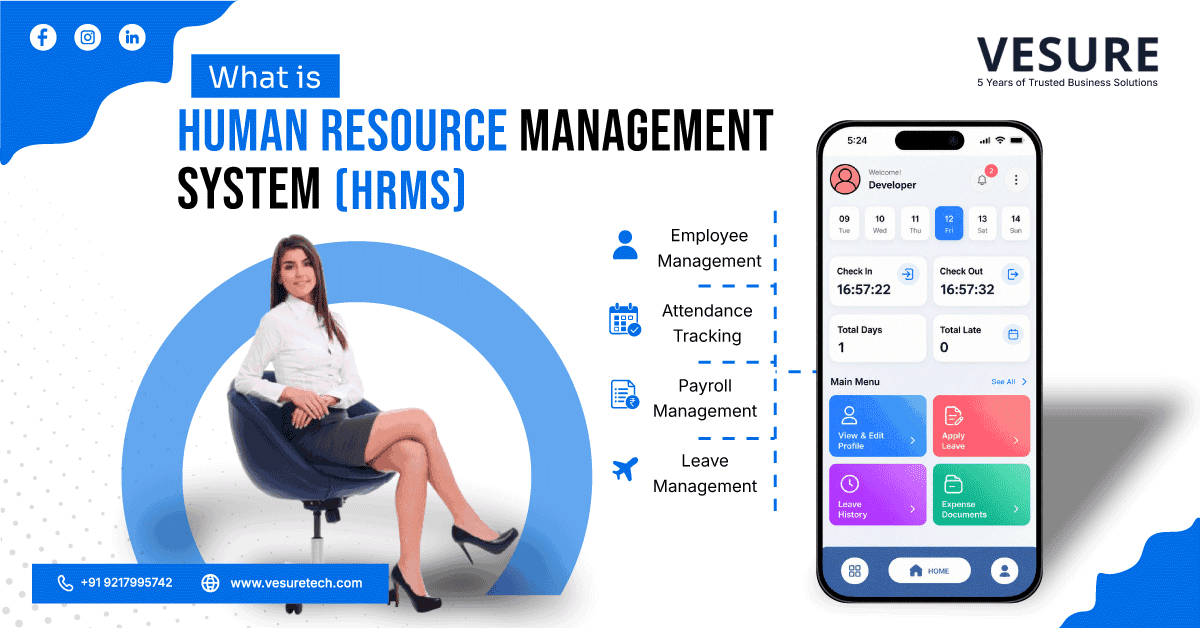
A human resource management system, or HRMS, is meant to fix exactly this. It's software that pulls employee records, attendance, payroll and leave management into one platform, so information gets entered once and used wherever it's needed instead of being tracked (and re-tracked) across five different files.
Most of what's written on this topic is aimed at HR leaders running thousand-person companies spread across five countries. This guide starts somewhere else. It's for business owners and HR professionals in India managing somewhere between 15 and 500 employees who just want a straight answer to one question, does my business actually need an HRMS, and what would that even look like day to day.
Quick answer: A human resource management system (HRMS) — also called an HR management system or HRMS software — is a single platform for managing employee records, payroll, attendance, and compliance. It's not just for large enterprises anymore; HRMS for small business use cases have become common now that pricing is cloud-based and per-employee. Below, we cover the HRMS meaning, HRMS full form, core HRMS features, and how to choose human resource management system software that actually fits your team size.
Human Resource Management System (HRMS): Definition and Meaning
Think of an HRMS like a filing cabinet that also does the filing for you, if that makes sense. Instead of an employee's PF number sitting in one Excel sheet, their leave balance in another, and their salary slip in a folder on someone's laptop somewhere, everything lives in one place. Something changes, say an employee applies for leave, and it updates everywhere it needs to on its own. Nobody has to remember to go update three different files by hand.
A human resource management system usually handles:
- Employee records, personal details, documents, employment history and so on
- Payroll and salary processing
- Attendance and leave tracking
- Recruitment and onboarding
- Performance reviews (though this one's often the most basic module in smaller setups)
- A self-service portal where employees check payslips, apply for leave, update their bank details, without having to email HR every time
You'll also run into the terms HRIS and HCM while researching this. Don't get too hung up on the difference. HRIS is mostly about storing employee data and records. HRMS builds on that with payroll, attendance, and the day-to-day running of HR. HCM goes further still into succession planning and workforce strategy, stuff that honestly matters a lot more to a 2,000-person company than a 50-person one. For most growing businesses, HRMS is the category that actually fits.
A Brief History of HRMS Software
HR software started back in the 1970s, and it did exactly one thing back then, payroll. Companies used mainframe computers just to calculate salaries and print checks, because doing that by hand for hundreds of employees was slow and, frankly, error-prone.
Through the 80s and 90s systems slowly added more, employee records, benefits, recruitment, that sort of thing. Then cloud computing showed up in the 2010s and that changed everything for smaller businesses. Suddenly you didn't need a server room or your own IT department just to run HR software, you logged in through a browser like anything else. That one shift is basically why a 30-person company today can afford the same kind of HR management system that used to be reserved for large enterprises only.
Why HRMS Matters for Growing Indian Businesses
Here's something most HRMS articles don't really get into: HR compliance in India is genuinely a lot, and none of it is optional. If you have employees you're dealing with PF (Provident Fund), ESI (Employee State Insurance), TDS on salaries, and now the newer data protection rules under the DPDP Act too. Miss a filing deadline, or get a deduction wrong, and it's not just an inconvenience. It can mean actual penalties.
A decent HRMS handles most of this quietly in the background. Rules change, tax slabs get revised now and then, and the software updates itself instead of your accounts team burning a Saturday trying to figure out what changed and why. This is honestly one of the biggest, most practical reasons Indian businesses end up adopting HRMS in the first place, and it barely gets a mention in most of the international guides on this topic. They'd rather talk about "employee engagement surveys" and "succession planning." Useful stuff, sure, but not the fire your HR team is actually putting out this week. This is exactly the gap a good human resource management system is built to close.
HRMS Features: Key Modules of a Human Resource Management System
Employee Records Management
Every employee's personal details, ID proofs, offer letter, employment history, all of it lives in one digital file instead of a physical folder or a scattered pile of PDFs somewhere. Finance needs a document, or an auditor does, it's a search away rather than a trip to a filing cabinet.
Payroll and Statutory Compliance
Usually the module businesses care about the most, if we're honest. A good system calculates salaries, applies the right PF and ESI deductions, handles TDS, and generates whatever reports your accounts team needs to file on time. It should also update itself when the government changes a rule, so your payroll team isn't stuck manually tracking every circular that comes out.
Attendance and Leave Management
Whether your team clocks in with a biometric device, a mobile app, or just marks attendance from their phone at a client site, that data flows straight into payroll. No more comparing a paper register against a leave spreadsheet at month-end and hoping the numbers agree.
Recruitment and Onboarding
Job postings, resume shortlisting, interview scheduling, getting a new hire's paperwork done before their first day, all of this can run through one system instead of scattered email threads and someone forgetting to follow up.
Performance Management
Setting goals, running review cycles, keeping a record of feedback over time. Even a fairly basic version of this beats the once-a-year Word document nobody actually remembers filling out.
Employee Self-Service
Employees log in and sort their own small requests, downloading a payslip, checking a leave balance, applying for time off. Sounds like a minor thing. It's really not, it takes a surprising amount of repetitive work off HR's plate once people actually start using it.
Signs Your Business Needs a Human Resource Management System (HRMS)
A few situations tend to show up right before a business decides it's time to make the switch:
- Payroll takes days to process, and somehow there's always one error someone catches at the last minute
- HR keeps fielding the same two questions on repeat, "what's my leave balance," "where's my payslip"
- You've hired across two or more locations and attendance tracking has turned into a genuine headache
- A compliance deadline got missed, or came close to it, because nobody had it on a central tracker
- The spreadsheet setup that worked fine at 20 people is falling apart now that you're at 80, this one's more common than people admit
If two or three of these ring a bell, that's usually about the point where an HRMS stops being a nice-to-have and starts being the obvious next move.
HRMS Pricing in India: What to Expect
This varies quite a bit depending on the vendor, which modules you need, and how many employees you have, so take any number here as a rough starting point and not a quote. Most cloud HRMS platforms price per employee per month, and for small to mid-sized Indian businesses this tends to land in a fairly affordable range, more affordable than people usually expect, especially once you factor in the hours HR is currently burning on manual work. Honestly, the best way to find out is just to get quotes from two or three vendors and compare what's actually included at each tier. "Basic" and "premium" plans can mean pretty different things depending on who you're talking to.
HRMS vs. Manual HR Management: A Quick Comparison
| What You're Doing | On Spreadsheets and Registers | With an HRMS |
| Payroll | Manual calculation, high error risk | Automatic, compliance-ready |
| Attendance | Paper register or separate app | Synced directly with payroll |
| Employee records | Scattered files and folders | One searchable database |
| Compliance updates | Someone has to track law changes | Usually updated automatically |
| Leave requests | Email or WhatsApp, easy to lose track | Logged and approved in-system |
| Reports for audits | Compiled manually, takes days | Generated in minutes |
How to Choose the Right HRMS Software
There are dozens of human resource management system software vendors out there and every sales call is going to sound convincing, that's just how sales calls work. A few things worth actually checking before you commit:
Start with your must-haves. Payroll and attendance aren't optional for most businesses, so make sure those are solid and not some afterthought bolted onto the product. If you're in India, confirm the vendor actually stays current on PF, ESI, TDS, and DPDP requirements, and ask how fast they update the system when a rule changes.
Push past the sales pitch and see the product itself before you commit. Ask for a proper walkthrough, not just slides, and see how a leave request gets approved or a payslip gets pulled up, live. If it looks confusing on someone else's screen, it'll be confusing for your employees too, and they won't have the patience to figure it out.
Ask how long setup actually takes. Some vendors get you running in a couple of weeks. Others take months. Better to know which one you've signed up for before you're three weeks in and still waiting.
Check what happens to your data if you ever decide to leave. Feels like an odd question to ask upfront, but it's a much better time to ask than after you've already migrated years of records over.
And talk to an existing customer if you can, ideally someone in a similar industry or of similar size. A ten-minute conversation with someone actually using the product usually tells you more than any feature list will.
If you're weighing options right now, VeSure's HRMS Software is worth putting on that shortlist, it's a fully SaaS-based, cloud-hosted platform built specifically for Indian businesses, so PF, ESI, and TDS compliance come handled out of the box rather than tacked on later.
Common Myths About HRMS, Busted
"HRMS is only for large companies." Used to be true, back when the only option was expensive on-premise software that needed its own server. Cloud-based HRMS pretty much ended that argument. A 20-person business can run one now for a modest per-employee cost each month.
"It's too complicated to set up." Some enterprise-grade systems genuinely are, no argument there. But most HRMS platforms built for small and mid-sized businesses go live in weeks, not months, especially if your existing data isn't too much of a mess to begin with.
"We'll lose our old records in the process." Only if the migration's done carelessly, which does happen more than it should. A proper data audit before the switch, done in phases instead of all at once, keeps historical records intact.
"Employees won't use the self-service features." In our experience it's usually the opposite. Most people would rather check their own payslip on their phone than email HR and wait a day for a reply, wouldn't you?
FAQs About HRMS
What is the full form of HRMS?
HRMS stands for Human Resource Management System. It's software that helps businesses manage employee records, payroll, attendance, and other core HR functions from one platform.
Is HRMS the same as HRIS?
Not exactly. HRIS mainly focuses on storing and organising employee data. HRMS includes that plus payroll, attendance, and broader day-to-day HR operations. In practice, many vendors use the terms loosely, so it's more useful to look at what features a system actually offers than what it's called.
Do small businesses really need an HRMS?
If you're still managing everything on spreadsheets and it's starting to feel unmanageable, then yes, it's usually worth it. Cloud pricing has made HRMS for small business adoption realistic even at 15 to 20 employees, not just large enterprises.
Does HRMS handle PF and ESI automatically?
A properly built HRMS for the Indian market should calculate PF, ESI, and TDS deductions automatically and keep those calculations updated as government rules change, which takes a significant manual burden off your payroll team.
How long does it take to implement an HRMS?
It depends on your company size and how clean your existing data is, but most small and mid-sized businesses can expect a working system within a few weeks to a couple of months.
Final Thoughts: Is an HRMS Right for Your Business?
A human resource management system isn't really about replacing your HR team. It's about giving them back the hours they're currently pouring into manual, repetitive work, so they can actually focus on the parts of the job that need a human, hiring well, sorting out people problems, keeping the workplace running the way it should.
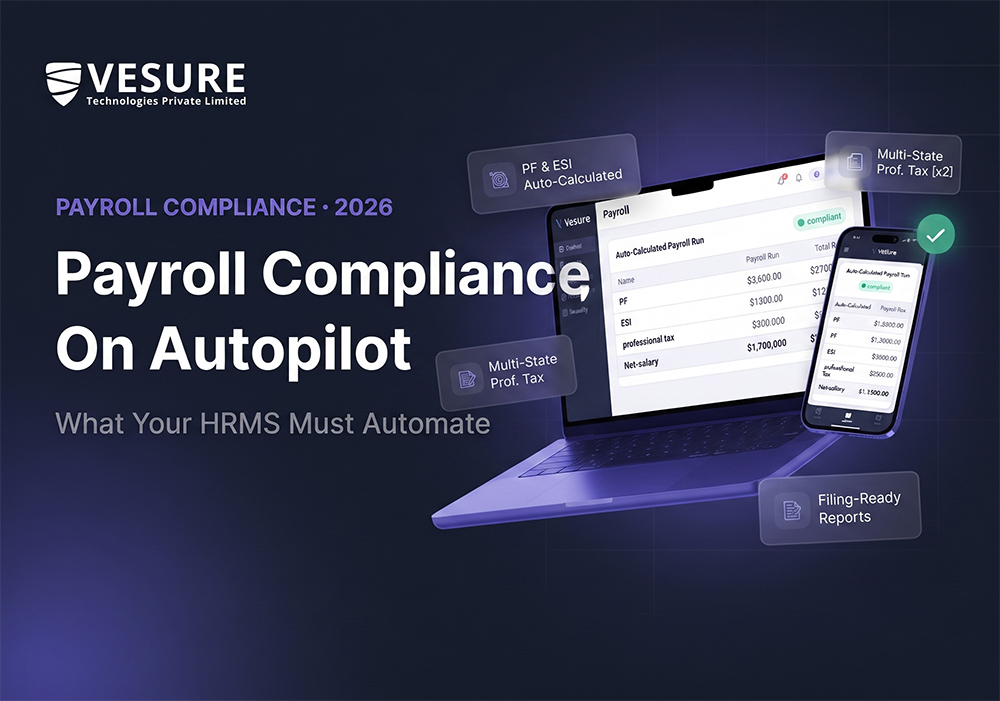
VeSure's HRMS Software is built around exactly this, onboarding, attendance, payroll, leave, and performance tracking on one platform, made for Indian businesses that need PF and ESI compliance handled properly rather than bolted on as an afterthought. If attendance tracking specifically is what's bugging you right now, our guide on biometric vs face recognition attendance systems walks through which option actually suits your setup, and our payroll compliance guide gets into exactly what your HRMS should be automating on the PF and ESI side of things.
Start by being honest about what's actually breaking in your current process. Then shortlist two or three vendors and properly test them before you commit to anything. That's usually what separates a smooth switch from a frustrating one. Book a free demo with VeSure if you'd rather see this on a real system than read about it in a feature list.