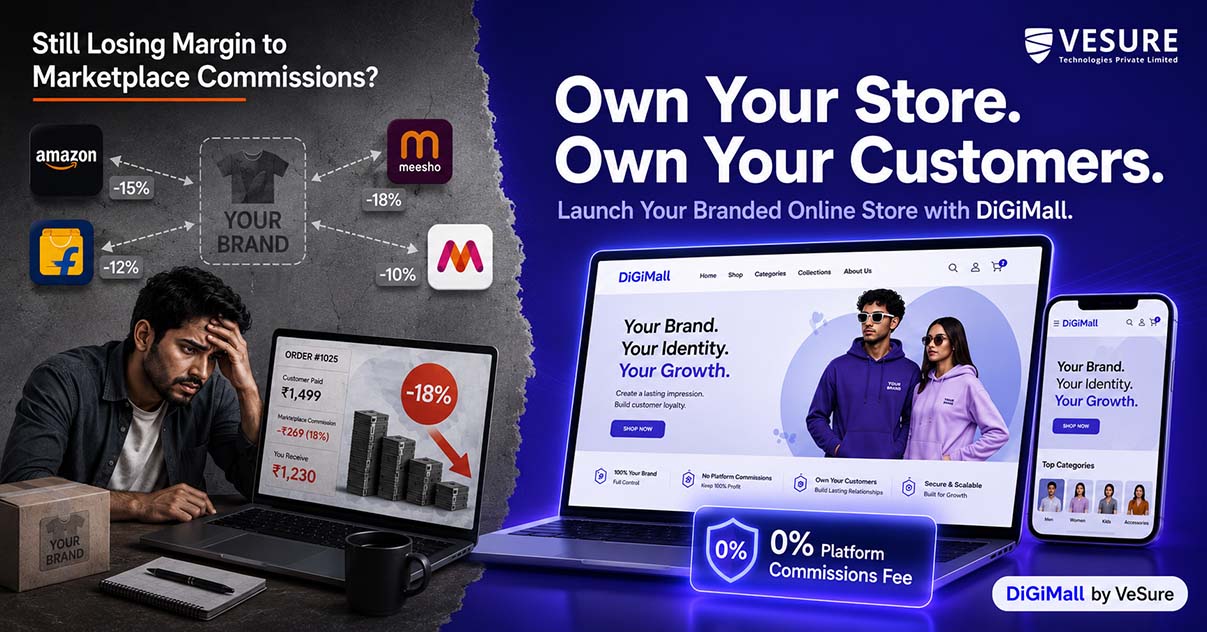
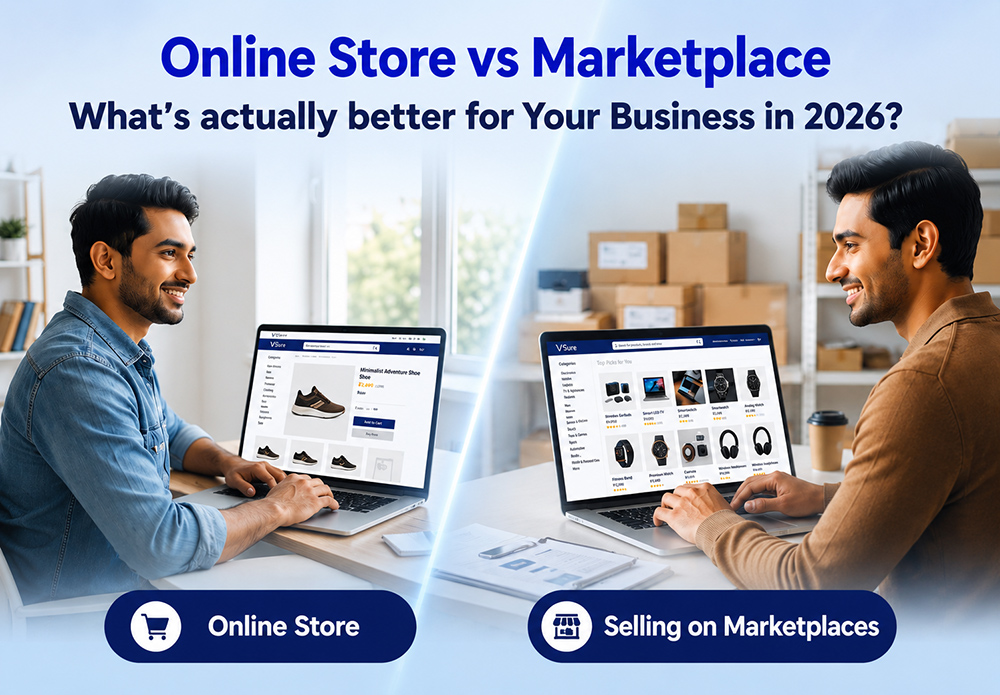
Running a business today is no longer limited to a physical location. Customers search, compare, and buy online every day, and businesses that make their products available digitally can reach customers far beyond their local market.
That is where an online store becomes valuable.
An online store gives your business a digital space where customers can discover products, check prices, place orders, and make payments without visiting a physical shop. It can help you reach new customers, stay available beyond business hours, understand customer behavior, and create another channel for sales.
But simply having an online store is not enough. The store needs to be easy to use, mobile-friendly, secure, and built around the way customers actually shop.
In this article, we’ll look at the major benefits of an online store and the practical steps businesses can take to build one that supports long-term growth.
What Is an Online Store?
An online store is a digital storefront where businesses can display and sell their products or services through the internet.
Instead of customers visiting a physical location, they can browse products, view descriptions and prices, add items to their cart, and complete purchases online.
A modern online store can also connect different parts of your business, including:
-
Product catalog
-
Inventory
-
Online payments
-
Customer information
-
Orders
-
Promotions
-
Sales reports
-
Delivery and order tracking
This makes an online store more than a website with product images. When it is properly connected to your business operations, it becomes another channel through which you can manage sales and serve customers.
1. Reach More Customers Beyond Your Location
One of the biggest advantages of an online store is reach.
A physical shop is naturally limited by its location. Customers generally need to travel to your store before they can see what you sell. An online store removes much of that limitation.
Customers can discover your products through search engines, social media, advertisements, or direct visits to your website.
For a growing business, this can mean:
-
Reaching customers outside your local area
-
Entering new markets
-
Building brand awareness
-
Generating sales beyond physical-store traffic
-
Giving existing customers another way to purchase
The important point is that your online presence doesn't replace your physical business. It gives your business another place to meet customers.
2. Stay Open Beyond Business Hours
A physical store has opening and closing times. An online store doesn't have the same limitation.
Customers can browse your products, check prices, and place orders at a time that works for them. Someone may discover your product late at night, during a lunch break, or while traveling.
That flexibility improves the buying experience because customers don't have to wait for your physical store to open.
For businesses, it also creates an opportunity to receive orders outside traditional working hours.
Your team can process those orders according to your normal operating schedule while customers continue to shop online.
3. Reduce the Cost of Expanding Your Business
Opening another physical location involves significant expenses such as rent, utilities, staffing, furniture, and day-to-day maintenance.
An online store doesn't remove all operating costs, but it can provide another sales channel without requiring another physical storefront.
Businesses can use online platforms to:
-
Launch new products
-
Test demand in new markets
-
Promote seasonal products
-
Expand their customer base
-
Sell without opening another physical location
The actual cost will depend on the platform, design, integrations, marketing, payment processing, and other requirements. That's why businesses should look beyond the initial website-building cost when planning an online store.
4. Understand What Customers Actually Want
A physical store gives you useful information through conversations and purchases. An online store can provide another layer of customer and sales data.
Depending on the platform and tools you use, you may be able to understand:
-
Which products receive the most attention
-
Which products generate the most sales
-
Where customers leave the buying journey
-
Which promotions perform better
-
Which products are purchased together
-
How customers reach your store
This information can help you make better decisions about products, promotions, pricing, and marketing.
Instead of relying entirely on assumptions, you can use actual store data to understand what customers are doing.
5. Create a Better Customer Shopping Experience
A good online store should make shopping simple.
Customers should be able to find products quickly, understand what they are buying, and complete checkout without unnecessary steps.
Important elements include:
-
Simple navigation
-
Clear product categories
-
Detailed product information
-
High-quality product images
-
Multiple payment options
-
Transparent pricing
-
Easy checkout
-
Order confirmation
-
Clear customer support
Small improvements can make a significant difference. If customers cannot find a product or the checkout process is confusing, they may leave before completing the purchase.
6. Make Your Online Store Mobile-Friendly
A large number of customers browse websites using smartphones. That makes mobile optimization an important part of building an online store.
Your store should work properly across different screen sizes and make common actions easy on mobile devices.
Customers should be able to:
-
Browse products comfortably
-
Search for products
-
Add items to the cart
-
Enter their details
-
Make payments
-
Check order information
A mobile-friendly store is not simply a smaller version of your desktop website. The navigation, buttons, images, forms, and checkout experience should all work naturally on smaller screens.
7. Make Checkout Simple
A customer can find the right product and still leave without buying if checkout is complicated.
The checkout process should be as straightforward as possible.
Consider providing:
-
Multiple payment methods
-
Clear shipping information
-
Simple address forms
-
Guest checkout where appropriate
-
Transparent pricing
-
Order confirmation
-
Secure payment processing
Avoid asking customers for unnecessary information.
The goal is simple: once a customer decides to buy, make it easy for them to complete the purchase.
8. Use SEO To Bring More Customers To Your Online Store
Building an online store is only one part of the process. Customers also need to be able to find it.
Search engine optimization can help your product and category pages appear when people search for relevant products or services.
Start with the basics:
-
Research relevant keywords
-
Optimize product titles and descriptions
-
Create useful category pages
-
Write helpful content around your products
-
Optimize page speed and mobile experience
-
Use descriptive URLs
-
Add relevant internal links
-
Keep product information unique and useful
SEO should not mean filling product pages with keywords. The goal is to make your store useful for both customers and search engines.
9. Connect Your Online Store With Other Business Tools
An online store becomes more useful when it works with the rest of your business.
For example, connecting your online store with inventory and sales systems can reduce the need to enter the same information manually.
Depending on your business, useful integrations may include:
-
POS systems
-
Inventory management
-
Accounting software
-
Payment gateways
-
CRM tools
-
Shipping platforms
-
Marketing tools
If you already operate a physical store, connecting online and offline sales can also give you a clearer picture of your overall business performance.
You can explore VeSure's business solutions to see how different digital tools can support business operations.
10. Build Strong Customer Relationships
Getting the first purchase is only the beginning.
A successful online store should also give customers reasons to return.
You can build stronger relationships through:
-
Personalized recommendations
-
Loyalty programs
-
Helpful customer support
-
Follow-up communication
-
Special offers
-
Product updates
-
Relevant content
Customer support is particularly important. If a customer has a question about a product, payment, delivery, or return, a quick and useful response can make the difference between a one-time purchase and a long-term customer.
11. Keep Improving Your Online Store
An online store is not a project that ends when the website goes live.
Customer expectations change. Products change. Competitors change. New payment methods and technologies appear.
That means your store should be reviewed regularly.
Look at:
-
Sales performance
-
Product performance
-
Customer feedback
-
Checkout behavior
-
Mobile experience
-
Website speed
-
Search traffic
-
Conversion performance
Use this information to identify what needs improvement.
For example, if a product receives plenty of visitors but very few purchases, the issue may be the price, product information, images, reviews, shipping cost, or checkout experience.
The data gives you somewhere to start investigating.
How To Build A Strong Online Store
Creating an effective online store doesn't require adding every possible feature. It requires getting the fundamentals right.
Choose The Right E-Commerce Platform
Start with your business requirements.
Consider:
-
Number of products
-
Expected traffic
-
Payment options
-
Inventory requirements
-
Customization
-
Integrations
-
Scalability
-
Budget
-
Technical support
The platform should be capable of handling your current requirements while leaving room for growth.
Create Clear Product Pages
Every product page should answer the questions customers are likely to have.
Include:
-
Clear product name
-
Useful description
-
High-quality images
-
Price
-
Available variants
-
Product specifications
-
Stock availability
-
Delivery information
-
Return information
The more uncertainty you remove, the easier it becomes for customers to make a purchase decision.
Optimize For Mobile
Test your store on different mobile devices.
Check whether customers can easily:
-
Open menus
-
Search products
-
View images
-
Select product options
-
Add products to the cart
-
Complete checkout
Don't assume a store works well on mobile simply because it technically loads on a phone.
Make Payments And Security A Priority
Customers need confidence before entering payment information.
Use trusted payment methods and make security a core part of your online store setup.
Clearly communicate important information such as:
-
Payment options
-
Shipping charges
-
Return policy
-
Refund policy
-
Privacy information
-
Customer support details
Transparency helps reduce uncertainty during checkout.
Keep Inventory Accurate
If your online store shows products as available when they are actually out of stock, customers can quickly lose trust.
Keep inventory synchronized with your other sales channels wherever possible.
For businesses selling both online and offline, integration with a POS system can help maintain better visibility of sales and inventory.
Conclusion
An online store gives businesses a practical way to reach more customers, remain available beyond traditional business hours, collect useful sales data, and create another channel for growth.
But simply putting products online isn't enough.
A successful online store needs clear product information, simple navigation, mobile optimization, secure payments, reliable inventory, effective SEO, and ongoing improvements based on customer behavior.
If your business is still relying entirely on a physical location, building an online store can give customers another way to discover and buy from you.
The goal isn't to make your business more complicated. It's to make buying easier for your customers and give your business more opportunities to grow.
Frequently Asked Questions
1. What is an online store?
An online store is a website or digital platform where businesses can display products or services and allow customers to browse, place orders, and make payments online.
2. Why should a business have an online store?
An online store can help businesses reach customers beyond their physical location, remain available outside traditional business hours, collect sales data, and create another sales channel.
3. How much does it cost to create an online store?
The cost depends on factors such as the platform, number of products, design requirements, integrations, payment options, hosting, and customization. A small store can have very different requirements from a large e-commerce operation.
4. Can a small business benefit from an online store?
Yes. Small businesses can use an online store to reach customers outside their local area, showcase products online, accept orders, and build a digital presence without opening additional physical locations.
5. Should an online store be mobile-friendly?
Yes. Customers increasingly use mobile devices to browse and shop online, so your store should provide a simple and usable experience across smartphones, tablets, and desktops.
6. How can I get more customers to my online store?
SEO, social media, content marketing, paid advertising, email marketing, and customer referrals can all help bring visitors to an online store. The right mix depends on your products, audience, and budget.
7. Can an online store connect with a physical store?
Yes. Depending on the technology you choose, an online store can connect with POS, inventory, accounting, payment, and other business systems. This can help businesses manage online and offline operations more efficiently.
Get Started
If you're ready to take your business online, explore VeSure's e-commerce solutions and build an online store designed around your business needs.
You can also explore VeSure Technologies - Best Software Company for digital solutions that help businesses manage their operations and grow online.