Point of sale software is no longer just the software behind a billing counter. For most modern businesses, it has become a central system for processing sales, managing inventory, tracking customers, monitoring employees, and understanding what is happening across the business.
Earlier, a POS system mainly meant a cash register and a payment terminal. Today, POS software can connect billing, inventory, payments, sales reports, customer information, and multiple store locations in one system.
This matters because running a business becomes difficult when sales are recorded in one place, inventory is maintained in another, and reports are prepared manually at the end of the day.
Quick Answer: POS software is a system that helps businesses process sales transactions, accept payments, generate receipts, manage inventory, and track sales data. Modern POS software can also include customer management, employee controls, reporting, loyalty programs, GST billing, multi-store management, and integrations with other business tools.
Let us understand what POS software does, how it works, its key benefits, and what businesses should look for before choosing a POS system.
What Is POS Software?
POS software is the application that manages the sales and operational activities that happen at the point where a customer makes a purchase.
When a customer buys a product, the POS software can identify the item, calculate the price, apply discounts or taxes, process the payment, generate the receipt, and update inventory.
But the process does not have to stop at billing.
Modern POS software can also store transaction history, generate sales reports, track customer purchases, manage staff access, monitor inventory, and provide business owners with real-time information about sales and operations.
This is why a POS system is increasingly used as more than a billing tool. It becomes a central source of operational data for the business.
How Does POS Software Work?
The basic process is simple.
A customer selects a product or service and brings it to the billing counter. The employee enters the product manually or scans its barcode. The POS software retrieves the product details, calculates the applicable price, discount, and tax, and generates the final bill.
Once the customer makes the payment, the transaction is recorded.
At the same time, the system can update the inventory and add the transaction to the sales reports.
For example, if a clothing store sells five shirts in the morning, the POS system can automatically reduce the available stock by five units. The owner can then see the updated stock level and sales information without waiting for someone to update a spreadsheet manually.
This connection between billing, inventory, and reporting is one of the main reasons businesses move from traditional billing methods to POS software.
POS Software vs POS System: What Is the Difference?
The terms are often used interchangeably, but there is a small difference.
POS software is the application that handles billing, sales, inventory, reporting, customer information, and other business functions.
A POS system usually refers to the complete setup, which can include both software and hardware.
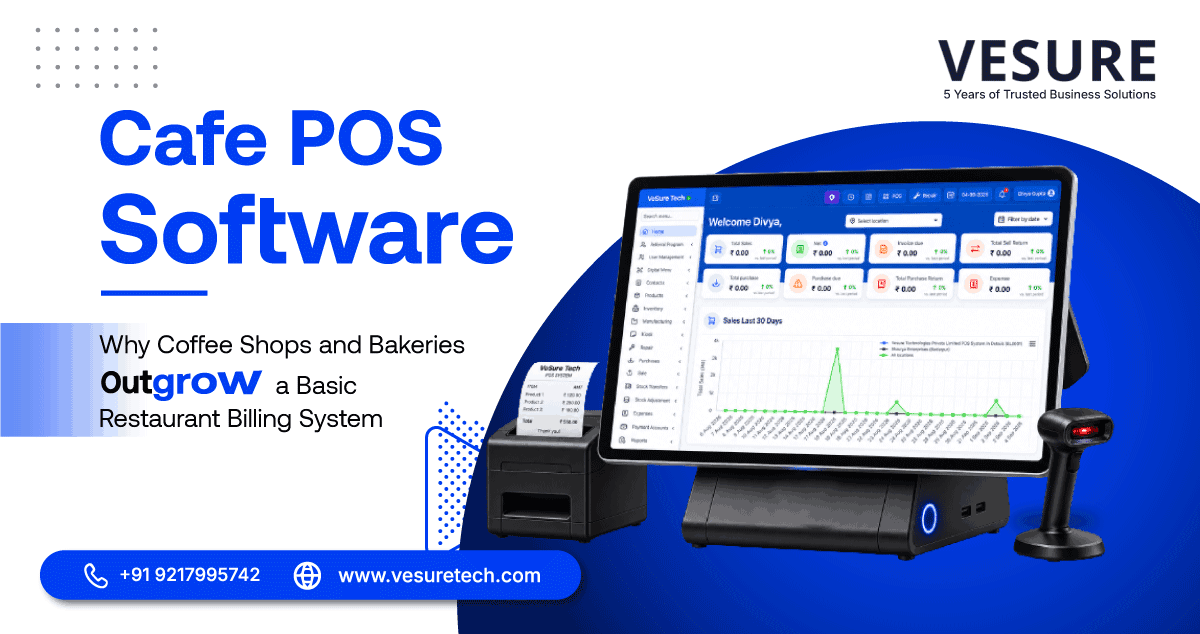
A typical POS system may include:
|
POS Component |
What It Does |
|
POS software |
Manages sales, inventory, customers, reports, and operations |
|
POS terminal |
Provides the main interface for billing |
|
Barcode scanner |
Scans products during checkout |
|
Card/payment terminal |
Processes digital payments |
|
Receipt printer |
Prints transaction receipts |
|
Cash drawer |
Stores cash securely |
|
Display screen |
Shows transaction details to staff or customers |
The exact setup depends on the business. A small store may need only a basic terminal and printer, while a larger retail operation may require multiple terminals, barcode scanners, payment devices, and connected systems.
What Are the Main Uses of POS Software?
POS software is used for much more than processing payments. The most useful systems connect the transaction at the counter with the operational work happening behind it.
1. Faster Sales Processing
The most basic job of POS software is to make selling faster and more accurate.
Instead of manually calculating product prices, discounts, taxes, and totals, the system handles these calculations automatically.
Employees can scan products, select payment methods, generate invoices, and complete transactions without switching between different systems.
For businesses with high customer traffic, this can reduce billing queues and allow employees to serve more customers during busy periods.
2. Real-Time Inventory Management
Inventory becomes difficult to manage when stock records are maintained separately from sales.
A product may be sold at the counter, but the inventory sheet may not be updated until later. That creates a gap between what the system says is available and what is actually sitting on the shelf.
POS software closes that gap by connecting sales with inventory.
Businesses can use POS inventory management to:
- Track current stock levels
- Identify low-stock products
- Monitor fast-moving items
- Identify slow-moving products
- Reduce stock discrepancies
- Plan reorders more efficiently
For businesses with large product catalogs, this can save significant manual effort.
3. Sales Reports and Business Analytics
A business does not only need to know how much it sold. It also needs to understand what is selling, when it is selling, and where sales are coming from.
POS software can turn transaction data into useful reports.
Depending on the system, businesses may be able to analyse:
- Daily and monthly sales
- Product-wise sales
- Category-wise performance
- Store-wise sales
- Peak sales periods
- Discounts and returns
- Payment methods
- Best-selling products
This gives business owners a clearer picture of what is actually happening instead of relying on assumptions or manually prepared spreadsheets.
4. Customer Management and Loyalty
Every transaction can provide useful customer information.
POS software can store customer details and purchase history, where the business has a legitimate reason and appropriate consent or other lawful basis to do so.
This information can help businesses understand repeat purchases and customer preferences.
Businesses can use these insights to support:
- Loyalty programs
- Customer rewards
- Personalized offers
- Purchase-history analysis
- Repeat-customer engagement
The goal is not simply to collect customer data. It is to use useful transaction information to create a better customer experience.
5. Employee Management and Access Control
A busy billing counter often has multiple employees using the same system.
Without proper controls, it can become difficult to understand who processed a transaction, approved a discount, or handled a return.
Modern POS systems can provide employee profiles, role-based access, transaction histories, and activity records.
Businesses can therefore:
- Assign different permissions to employees
- Monitor cashier activity
- Track transactions by user
- Control access to sensitive functions
- Improve accountability
This becomes particularly useful when several employees work across different shifts.
6. Multi-Store Management
Managing one store is very different from managing ten.
As businesses expand, owners need visibility across locations without maintaining separate systems for every outlet.
A cloud-based POS system can centralize information from multiple stores, depending on the solution's architecture and configuration.
Businesses can use this setup to:
- Monitor store-wise sales
- Compare outlet performance
- Track inventory across locations
- Maintain consistent product information
- Manage employee access
- Review centralized reports
Instead of asking every store manager for separate reports, management can work from a common system.
7. Multiple Payment Options
Customers no longer expect a single payment method.
Depending on the business and payment setup, a POS system can support cash, cards, UPI, wallets, and other digital payment methods.
The important part is not simply accepting more payment options. The payment should also be recorded against the correct transaction so that the business has an accurate record of sales and collections.
This makes reconciliation and reporting easier.
8. GST Billing and Tax Calculation
For businesses operating in India, billing and tax compliance are important parts of daily operations.
POS billing software can calculate applicable taxes, generate invoices, and maintain transaction records according to the configuration of the system.
A suitable POS solution can help businesses:
- Generate GST-compliant invoices
- Apply configured tax rates
- Maintain transaction records
- Reduce manual calculation errors
- Simplify sales reporting
Businesses should still ensure that their POS configuration and accounting processes are aligned with the latest applicable tax requirements.
9. Barcode Scanning and Faster Checkout
Barcode scanning removes the need to manually enter product information for every transaction.
The employee scans the product, the POS software retrieves the relevant item information, and the product is added to the bill.
For stores with hundreds or thousands of SKUs, this can make a noticeable difference to checkout speed and inventory accuracy.
Barcode data can also connect the sale to the inventory record, allowing stock levels to update as transactions are completed.
10. Integration With E-Commerce and Other Business Tools
Many businesses now sell through more than one channel.
A customer might discover a product online, purchase it from a physical store, and later return it through another channel.
This creates problems when sales and inventory data are maintained separately.
POS integrations can connect the system with e-commerce platforms, accounting tools, payment systems, CRM platforms, and other business applications, depending on the software.
The objective is simple: reduce duplicate data entry and keep important business information synchronized.
11. Offline Billing and Business Continuity
Internet connectivity cannot always be guaranteed.
For businesses that depend heavily on billing, a temporary connection problem can create operational delays.
Some POS systems provide offline functionality that allows certain transactions to continue when connectivity is unavailable, with synchronization occurring later according to the system's design.
Businesses should check exactly how offline transactions, payment processing, and synchronization are handled before selecting a solution.
12. Better Security and Transaction Control
A POS system handles valuable business and customer information, so security cannot be treated as an optional feature.
Modern POS software may include role-based permissions, user authentication, transaction logs, audit trails, and other controls.
Businesses should also evaluate how the provider handles payment security, data protection, backups, access management, and updates.
The right controls help reduce unauthorized access and make it easier to investigate unusual transactions.
POS Software for Different Types of Businesses
POS requirements are not the same for every business.
A clothing retailer may need detailed inventory and barcode management, while a restaurant may need table management and kitchen integration.
A pharmacy may need product and batch-related controls, while a salon may need appointment and service management.
Common POS use cases include:
|
Business Type |
Common POS Requirements |
|
Retail stores |
Billing, inventory, barcode scanning, customer management |
|
Supermarkets |
High-volume billing, inventory, barcode management |
|
Restaurants |
Orders, payments, tables, kitchen integration |
|
Cafes |
Fast billing, menu management, payment processing |
|
Pharmacies |
Product management, billing, inventory |
|
Salons |
Service billing, customer management, appointments |
|
Multi-store businesses |
Centralized reporting, inventory, and outlet management |
This is why choosing a POS system based only on the billing screen can be a mistake. The system should match the actual operational requirements of the business.
What Should You Look For in POS Software?
Not every POS system provides the same features. Before choosing one, businesses should look beyond the basic ability to generate a bill.
Key areas to evaluate include:
- Billing speed and ease of use
- Inventory management
- Sales reporting
- Payment options
- Barcode support
- Customer management
- Employee permissions
- Multi-store support
- Cloud access
- E-commerce integrations
- GST billing
- Security controls
- Offline functionality
- Scalability
- Customer support
The right choice depends on the size of the business, industry, number of locations, transaction volume, and existing technology stack.
Real Scenario: When POS Software Becomes More Than a Billing Tool
Consider a retail business operating three stores.
Earlier, each store maintained its own sales records and inventory spreadsheet. At the end of the day, managers sent reports to the head office.
The problem was not the reporting itself. The problem was the delay.
By the time management received the information, some products had already gone out of stock at one location while the same products were sitting unsold at another.
With a centralized POS system, sales and inventory information can be available across locations in real time, depending on the system setup.
Management can identify which products are selling, which stores need stock, and which categories are underperforming without waiting for separate spreadsheets.
That is where POS software moves from being a billing tool to becoming an operational system.
Why VeSure POS Is Built for Modern Businesses
VeSure POS by Trusted SaaS Software Company combines billing, inventory management, sales reporting, customer management, and multi-store capabilities into one POS platform.
For businesses that are still managing billing, inventory, and sales reports through separate tools, bringing these processes together can reduce manual work and provide better visibility into daily operations.
Whether you operate a single retail outlet or manage multiple locations, VeSure POS is designed to give your team a centralized system for handling everyday sales and business operations.
Frequently Asked Questions
What is POS software?
POS software is a business application used to process sales, calculate bills, accept payments, generate receipts, and maintain transaction records. Modern POS software can also manage inventory, customers, employees, reporting, and other business operations.
What is the difference between POS software and a POS system?
POS software is the application that manages sales and related business processes. A POS system generally refers to the complete setup, including the software and hardware such as terminals, barcode scanners, payment devices, receipt printers, and cash drawers.
What are the main benefits of POS software?
The main benefits include faster billing, better inventory control, automated sales reporting, improved transaction accuracy, customer management, employee controls, and centralized visibility across stores.
Can POS software manage inventory?
Yes. Many POS systems connect sales transactions with inventory records, allowing businesses to track stock levels, identify low-stock products, monitor product movement, and improve replenishment decisions.
Can POS software support multiple stores?
Yes. Multi-store POS software can centralize sales, inventory, employee access, and reporting across different locations, depending on the features and configuration of the platform.
Is POS software useful for small businesses?
Yes. Small businesses can use POS software to simplify billing, track inventory, manage customer information, and understand sales performance without maintaining multiple manual records.
Does POS software support GST billing in India?
Many POS billing systems support GST-related invoicing and tax calculations. Businesses should verify that the software is configured correctly for their applicable GST requirements and kept updated when tax rules change.
Can POS software work without the internet?
Some POS systems offer offline functionality, but the exact capabilities vary. Businesses should check whether billing, payment processing, data storage, and later synchronization are supported during an internet outage.
Conclusion
POS software has moved far beyond the traditional cash register.
It now connects the transaction at the billing counter with the information a business needs to manage inventory, understand sales, monitor employees, serve customers, and make operational decisions.
The value of a POS system is therefore not just in generating a bill faster. It is in bringing different parts of the business together so that sales, inventory, payments, and reporting do not operate as separate processes.
For businesses still relying on manual billing, disconnected spreadsheets, or multiple systems that do not communicate with each other, a modern POS solution can provide the centralized visibility needed to operate more efficiently.
If you are looking for a POS solution that brings billing, inventory, reporting, and business management together, explore VeSure POS or book a demo to see how it can fit into your operations.