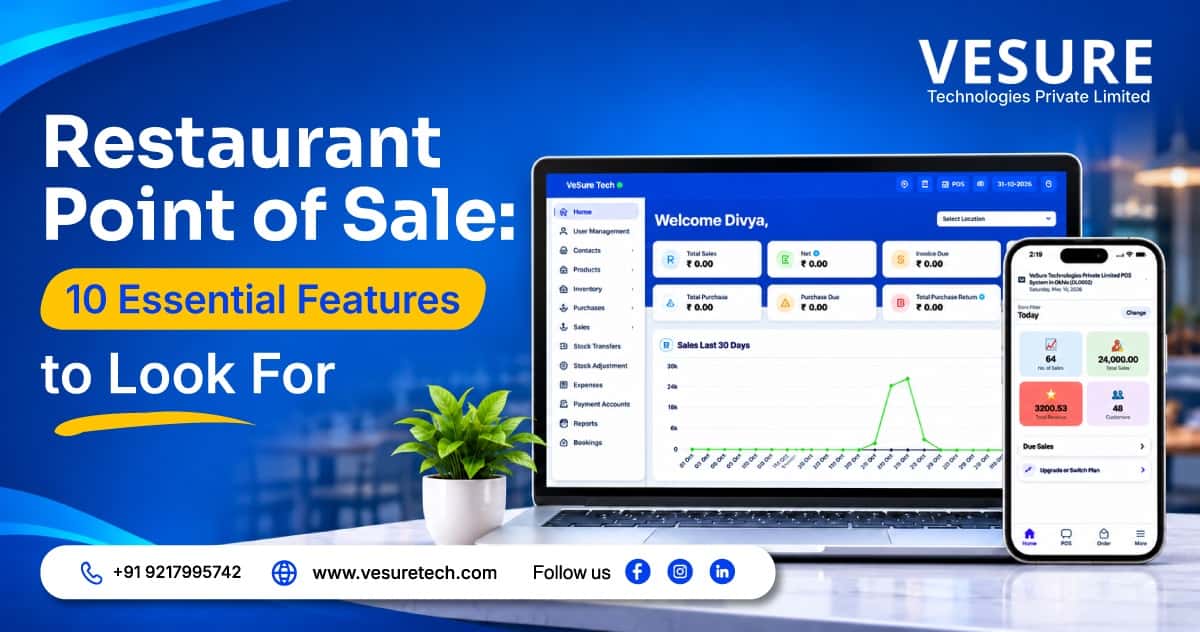
Running a restaurant can be challenging. From managing orders to tracking inventory, handling payments, and keeping customers happy, there’s a lot on a restaurant owner’s plate. This is where a restaurant point of sale system becomes essential. A good point of sales for restaurants simplifies operations, improves efficiency, and helps your business grow. But with so many options in the market, how do you choose the right one? In this blog, we will discuss the essential features to look for in a restaurant point of sale.
What is a Point of Sale System for Restaurants?
A restaurant point of sale system is a combination of hardware and software that helps restaurants manage their daily operations. It allows you to take orders, process payments, track sales, manage inventory, and generate reports. In simple words, it’s the heart of your restaurant’s operations.
With a point of sale, your staff can work faster, your customers can get better service, and you can make informed business decisions based on real-time data.
How Does a Restaurant POS System Work?
A restaurant POS system connects your billing counter, kitchen and stock records. You enter an order once, and it flows through the kitchen, bill, payment and reports.
From Order Taking to Kitchen Order Ticket (KOT)
The order type decides how it is captured:
- Dine-in: The waiter selects a table, adds items and sends the order.
- Takeaway: The cashier enters the order at the counter and gives a token number.
- Delivery: The order is entered with the customer’s address, or arrives from an online platform if your POS is integrated.
The POS then creates a KOT and sends each item to the right station, such as the kitchen or bar. A printed KOT is a paper slip from a kitchen printer. A kitchen display system (KDS) shows live orders on a screen, and cooks mark them ready.
Billing, Payments and Day-End Reconciliation
The POS adds items, taxes and discounts to generate the bill. You can split it by guest, by item or equally, and record cash, card or UPI for each part. At closing, the day-end report shows sales by payment mode, so you can match the expected cash with your drawer.
Illustrative example (sample numbers only): A table orders items worth Rs 820. With an illustrative 5% tax, the bill is Rs 861, paid Rs 500 by UPI and Rs 361 in cash. If the drawer float was Rs 2,000 and cash sales were Rs 3,200, the expected cash is Rs 5,200. A count of Rs 5,150 shows a Rs 50 shortfall.
Inventory Updates and Sales Reports
Each sale can reduce the stock count of the items sold, and the same data feeds your sales reports. Deducting ingredients, such as paneer per plate, needs recipe-linked inventory. Without recipes, the POS knows how many plates you sold, not how much paneer you used.
Why Your Restaurant Needs a Point of Sale System
Managing a restaurant manually can lead to mistakes, slow service, and unhappy customers. A restaurant point of sale systems solves these problems by:
- Streamlining order management
- Reducing human errors
- Tracking inventory in real-time
- Generating detailed reports for better decision-making
- Accepting multiple payment methods seamlessly
Having a reliable point of sale system is no longer optional, it’s a necessity.
Top Features to Look for in a Restaurant Point of Sale System
When choosing a point of sale restaurant system, it’s important to consider the features that will make your operations smooth and efficient. Here are the top features:
1. Easy-to-Use Interface
Your staff should be able to use the point of sale restaurant system without much training. A simple, intuitive interface reduces errors and speeds up service. Touchscreen functionality and clear menu layouts are ideal for busy environments.
2. Order Management
Efficient order management is crucial. A good point of sale system allows you to:
- Take dine-in, takeout, and delivery orders
- Split bills easily
- Send orders directly to the kitchen
- Track order status in real-time
This ensures that customers get their food quickly, improving their overall experience.
3. Payment Processing
A point of sale restaurant system should support multiple payment methods, including cash, credit/debit cards, mobile wallets, and even UPI payments. Quick and secure payment processing ensures smooth transactions and happy customers.
4. Inventory Management
Tracking inventory manually is time-consuming and prone to errors. A modern point of sale system helps you:
- Monitor stock levels in real-time
- Get alerts for low-stock items
- Reduce food wastage
- Generate purchase orders automatically
With this feature, you’ll always know what’s in your kitchen and what needs to be restocked.
5. Reporting and Analytics
A good point of sale restaurant system provides detailed reports on sales, popular menu items, peak hours, and staff performance. These insights help you make data-driven decisions and improve overall efficiency.
6. Integration with Other Tools
Your point of sale system should integrate seamlessly with other tools like accounting software, loyalty programs, and online ordering platforms. Integration saves time and ensures all your data is connected and accurate.
7. Customer Relationship Management (CRM)
A point of sale restaurant system with CRM features helps you understand your customers better. You can:
- Track customer preferences
- Offer personalized deals
- Build loyalty programs
- Improve customer satisfaction
Happy customers mean repeat business and better reviews.
8. Mobile Accessibility
Modern point of sale restaurant systems are mobile-friendly. Managers can check sales, track inventory, and monitor staff performance from anywhere using a mobile app. This flexibility allows you to stay in control even when you’re not on-site.
9. Security Features
Security is a major concern for restaurants. Your point of sale system should include:
- Secure payment processing
- Employee access controls
- Data encryption
- Backup options
This ensures that your financial and customer data remain safe at all times.
10. Scalability
As your restaurant grows, your point of sale restaurant system should grow with you. Look for a system that can handle multiple locations, more staff, and increased orders without slowing down or crashing.
Restaurant POS Requirements by Restaurant Type
Every food point of sale setup works a little differently. Test the workflow that matters most for your kind of business before you commit.
|
Restaurant type |
Workflow to test |
Ask the vendor |
|
Tokens and quick billing at the counter |
How many seconds does a repeat order take to bill? |
|
|
Full-service restaurant |
Tables and captain ordering |
Can a captain send orders and KOTs from a handheld device? |
|
Cloud kitchen |
Aggregator order routing |
Do orders from delivery platforms reach the kitchen without re-entry? |
|
Bakery / sweet shop |
Weight-based items and recipe stock |
Can it bill by weight and track stock using recipes? |
|
Bar |
Tabs and tax handling |
Can you keep a tab open, and how does it handle tax rules in your state? |
|
Multi-outlet chain |
Consolidated reports and menu control |
Can head office see all outlets and change the menu centrally? |
Ask each vendor to show these workflows live, and confirm every feature in writing.
Cloud, On-Premise and Hybrid Restaurant POS: What Is the Difference?
The main difference is where the system runs and what happens when your internet fails.
|
|
Cloud |
On-premise |
Hybrid |
|
Internet dependency |
High, unless an offline mode exists |
Low, runs on your local network |
Medium, works locally and syncs online |
|
Continuity without internet |
Ask the vendor |
Usually continues |
Usually continues for billing |
|
Sync after reconnection |
Depends on the offline mode |
Not needed, unless you add cloud reports |
Local data uploads once you are back online |
|
Remote access |
Easy, from any device |
Often limited |
Available once synced |
|
Maintenance |
Vendor handles updates |
You handle updates and backups |
Shared |
|
Data ownership |
Ask where data is stored and how you export it |
Data stays with you |
Ask which copy is the master |
Ask every vendor to disconnect the internet during a demo. Then check what keeps working: billing, KOT printing, payments and reports.
Restaurant POS Hardware Checklist
|
Hardware |
Purpose |
Compatibility question |
|
Billing terminal |
Takes orders and generates bills |
Which operating systems and screen sizes are supported? |
|
Thermal bill printer |
Prints customer bills |
Which printer models and paper sizes work? |
|
KOT printer / KDS |
Sends orders to the kitchen |
Can tickets route to different printers or screens? |
|
Cash drawer |
Stores cash |
Does it open automatically when a cash bill is printed? |
|
Captain device |
Takes orders at the table |
Does it work on a phone or tablet, and over Wi-Fi? |
|
Payment terminal / UPI QR |
Collects card and UPI payments |
Are payments recorded in the POS automatically? |
|
Barcode scanner / weighing scale (optional) |
Speeds up billing of packed or weighed items |
Which scanner and scale models connect? |
How to Choose the Right Point of Sale System
Choosing the best point of sale system for your restaurant depends on your unique needs. Here are some tips:
- Identify your restaurant’s needs: Do you need delivery support? Inventory tracking? Loyalty programs?
- Consider the number of users and devices you’ll need.
- Check if the system integrates with your accounting and online ordering platforms.
- Test the system with a free trial to see if it’s easy to use.
- Compare pricing plans and choose a solution that fits your budget.
A reliable point of sale restaurant system is an investment that pays off by saving time, reducing errors, and boosting revenue.
Conclusion
A point of sale restaurant system is no longer just a tool for taking orders; it’s the backbone of a successful restaurant. From simplifying operations to improving customer experience, the right point of sale system can make a huge difference in your business.
When choosing a point of sale restaurant system, focus on features like easy-to-use interface, payment processing, inventory management, reporting, integration, and customer management. With the right system, you can streamline your operations, serve your customers better, and grow your restaurant efficiently.
Invest in a point of sale restaurant system today and watch your business reach new heights.
FAQs for Restaurant POS System
What is a point of sale restaurant system, and why do I need it?
A point of sale restaurant system is software that helps restaurants manage orders, payments, inventory, and customer data efficiently. It simplifies daily operations, reduces errors, and improves customer satisfaction, making it essential for any modern restaurant.
How do I choose the best point of sale system for my restaurant?
To choose the right point of sale system, consider features like inventory management, payment processing, reporting, integration with other tools, and customer management. Test a few options with free trials to see which system fits your restaurant’s workflow and budget.
Can a point of sale restaurant system help with online orders and delivery?
Yes! Many point of sale restaurant systems integrate with online ordering platforms and delivery apps. This allows you to manage dine-in, takeout, and delivery orders all from a single system, improving efficiency and ensuring timely service for your customers.